SnowRunner PS5 Guide: Editions, Co-Op, Mods and DLC
Explore SnowRunner PS5 editions, four-player co-op, crossplay, console mods, and the latest DLC. Plan your first deliveries and choose what to buy wisely.
Jump to
Can You Play SnowRunner on PlayStation 5?
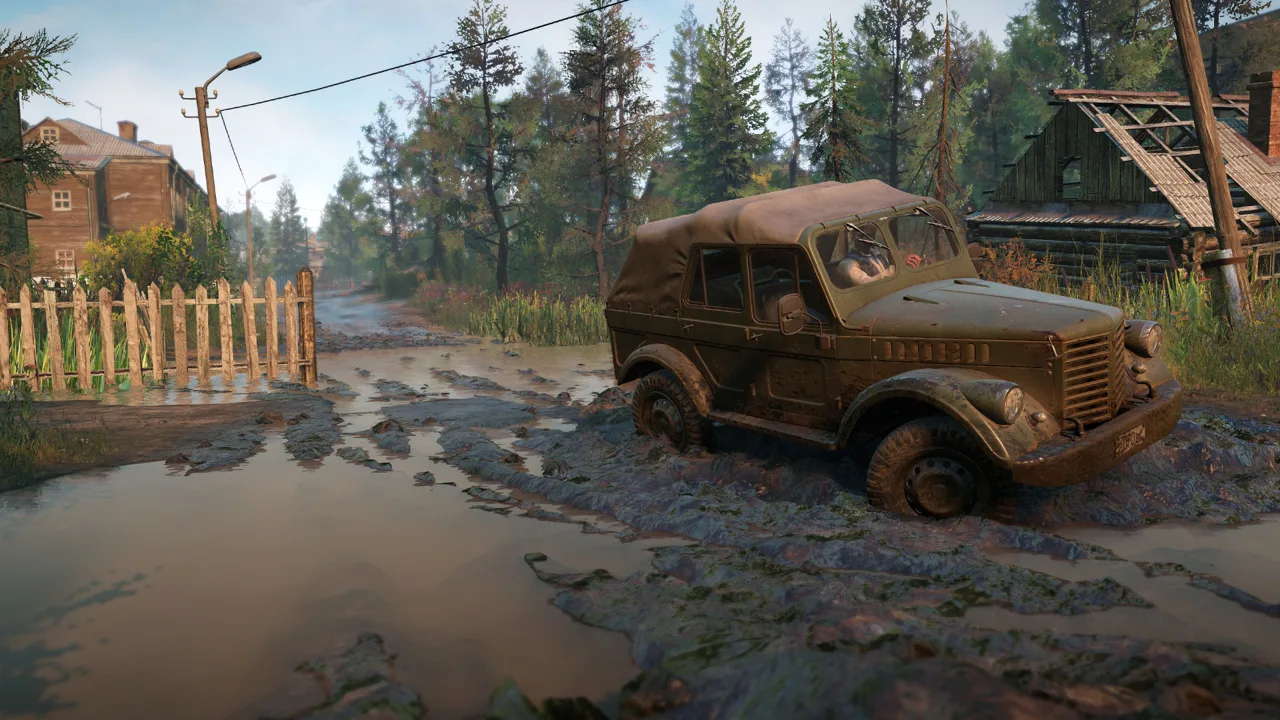
A muddy shortcut can turn a routine delivery into a rescue operation. SnowRunner PS5 lets you tackle that challenge solo or with up to three friends. It’s available on PlayStation 5, with console mods, crossplay, and seasonal expansions that add more trucks and demanding delivery routes.
Developed by Saber Interactive and published by Focus Entertainment, SnowRunner puts vehicle choice, fuel management, and careful driving at the center of every job. You haul construction materials, retrieve stranded vehicles, and reconnect routes across sprawling wilderness maps.
The appeal is in solving practical problems. Getting a loaded truck over a slippery hill can feel like a major accomplishment, especially when reaching the destination opens a bridge you’ll use for future deliveries.
What the Driving and Progression Feel Like
SnowRunner rewards patience and route planning. Mud slows your wheels, deep water threatens your engine, and an awkward slope can roll a truck and scatter its cargo. Your vehicle’s weight, tires, suspension, and load all matter.
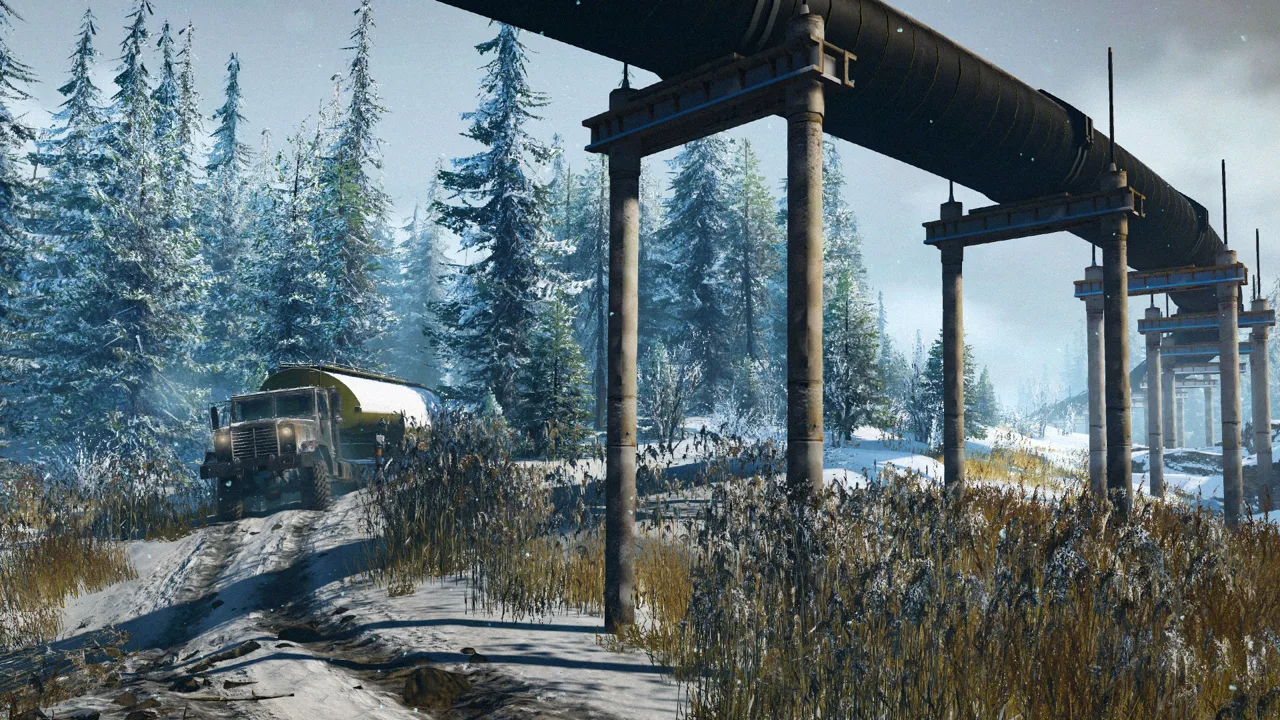 Image: Steam / Saber Interactive
The base game takes you through Michigan, Alaska, and Taymyr. Exploration reveals trucks, upgrades, tasks, and alternative routes, giving you reasons to leave the main road even before accepting another contract.
Jobs range from delivering supplies to rebuilding infrastructure and recovering damaged vehicles. Completing objectives earns money and experience, while exploration helps expand your fleet. Some upgrades require a particular rank; others must be discovered on the map.
Expect a learning curve. Early trucks have limitations, and a route that works with an empty vehicle can become much harder with cargo aboard. Camera movement around long trailers and the menus used to manage objectives can also take some adjustment.
Many contracts involve repeated hauling. Choose this game if carefully moving heavy machinery through difficult terrain sounds satisfying on its own.
Which Edition Should You Buy?
Start with the base game if you’re still deciding whether the slow driving and delivery work suit you. Michigan, Alaska, and Taymyr give you room to learn truck handling, recoveries, and cargo planning before adding more regions.
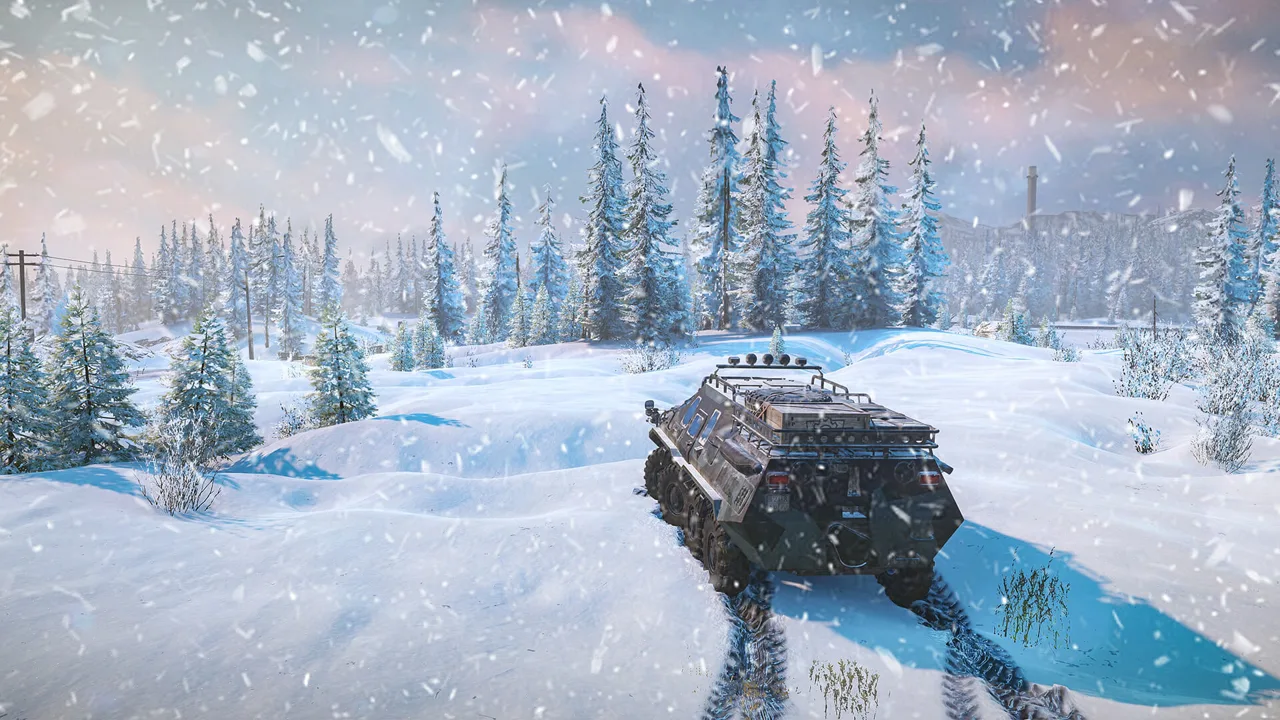 Image: www.focus-entmt.com
The 5-Year Anniversary Edition costs $129.99 and includes:
- SnowRunner’s base game.
- Year 1 Pass.
- Year 2 Pass.
- Year 3 Pass.
- Year 4 Pass.
- Year 5 Pass.
Buy that bundle if you want the base game and all five Year Passes together. If you already own the game, compare the included passes with your existing purchases before choosing an edition.
Year Passes don’t include every standalone truck pack. Both Mercedes-Benz Trucks Dual Pack 1 and Mercedes-Benz Trucks Dual Pack 2 are separate from the Year 5 Pass. Buying the anniversary bundle therefore doesn’t give you every paid vehicle.
Use the SnowRunner PlayStation purchase page to compare editions and their included content.
Multiplayer, Crossplay, and PlayStation Plus
SnowRunner supports four-player online co-op. You can divide deliveries, bring fuel to a stranded friend, or send another truck to recover an overturned hauler.
 Image: Steam / Saber Interactive
PlayStation Plus is required for online play. Solo play is available separately from multiplayer, so you can work through contracts on your own.
Crossplay connects PlayStation players with Xbox and PC players using Steam or the Epic Games Store. Switch and Mac multiplayer operate separately from that crossplay group.
Coordinate equipment before leaving the garage. Assign cargo hauling, fuel support, and recovery duties around the trucks everyone brings. A second vehicle becomes especially useful when a delivery truck gets stuck beyond its own winch’s reach.
How Mods Work on Console
Console mods are available through the Mod Browser on the main menu. Browse and install console-compatible creations there, including additional vehicles and maps.
Use the console browser when choosing a mod.
Learn the standard trucks before adding heavily modified vehicles.
Keep a familiar truck available when trying a new vehicle. Compare its handling, stability, fuel use, and cargo options on routes you already understand before committing it to a long delivery.
Recent Expansions and Updates
Season 19 - Research & Restore launched on October 20, 2026, bringing Switzerland to the game, including PlayStation 5. It contains three snowy maps and is included in the Year 5 Pass.
Its projects include repairing a viaduct, protecting roads from avalanches, helping a hot-air balloon festival, and restoring a space observatory. The season also adds two trucks: the Wortek 250T and the Derry Savior.
The Wortek 250T supports a wide selection of add-ons and carries one of the game’s largest fuel tanks. The Derry Savior is an 8x8 with three steering axles, combining pulling power with maneuverability.
Recent updates also changed existing vehicles and addressed delivery problems:
| Release | Date | Changes |
|---|---|---|
| Season 19 - Research & Restore | October 20, 2026 | Added Switzerland, three maps, the Wortek 250T, and the Derry Savior |
| Patch Notes 44.0 (Season 19) | October 20, 2026 | Reworked Mercedes-Benz truck details, including steering, collisions, sounds, and add-on behavior |
| Hotfix 44.2 | November 3, 2026 | Fixed cargo delivery tasks and contracts that couldn’t be completed in modded content |
Season 18: Patch & Power offers a different setting: Chiapas, Mexico. Its two maps introduce jungle terrain, muddy mangroves, and work supporting a geothermal power plant. Its vehicles are the Mercer R230 and HIB Billert M816.
Choose expansions around the terrain and work you want to tackle. Build experience and a capable fleet before heading straight into demanding later regions.
Tips for Your First Deliveries
Explore before committing a loaded truck
Reach watchtowers to reveal the surrounding map, then investigate useful upgrades and routes. Scout narrow paths before taking a long trailer through them.
Plan around the complete journey. Include the cargo pickup, delivery point, fuel stops, and any bridges or blocked roads along the way.
Repair routes you’ll use repeatedly
Prioritize bridge repairs and other infrastructure tasks that improve access to your current jobs. An early repair can make later cargo runs easier to organize.
Read each objective before loading. Metal beams occupy two cargo slots, while wooden planks occupy one. Match your bed and trailer capacity to the required load.
Fit tires for the actual surface
Replace highway tires with suitable off-road options as they become available. Compare individual tires rather than relying only on the broad category: tires with matching descriptions can have different traction values.
Use chained tires for icy roads. For deep mud and snow, consider the truck’s available mud tires, wheel size, and ground clearance alongside the rest of the route.
Use the winch before digging in deeper
When wheelspin stops producing movement, look for a useful anchor point. Try another attachment angle if the first pull leaves the truck caught on the same obstacle.
Bring another vehicle when you need recovery help, repairs, or fuel. Check the available supplies before setting out, especially when your working truck is far from a garage.
Install discovered upgrades at the garage
Finding an upgrade unlocks it; you still need to equip it through customization. Inspect the truck’s current setup before leaving so your next trip uses the parts you just collected.
Balance ground clearance against stability. Raised suspension helps with obstacles, but a taller truck needs extra care on side slopes, particularly with a crane or heavy cargo aboard.
Continue with
 SnowRunner Multiplayer: Co-Op, Crossplay, and FixesSnowRunner multiplayer supports four-player co-op. Learn which platforms can play together, how hosting works, and how to fix common connection problems.
Continue exploring
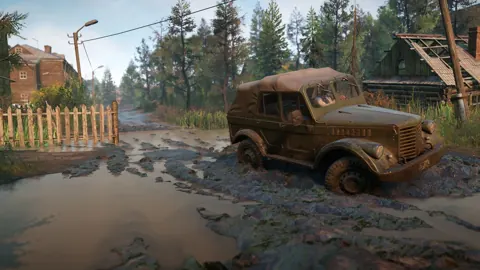
SnowRunner DLC Guide: Best Seasons and Passes to Buy
Choose your next SnowRunner DLC with season comparisons, Year Pass details, standout trucks, and installation fixes. Find an expansion that fits your play.
SnowRunner Guide: Beginner Tips, Trucks and Map Order
Our SnowRunner guide covers the best first trucks, tires, gears, winching and map order so you can get through Michigan's mud without constant recoveries.
Join the community
Official channels for news, updates and player help: