SnowRunner Cargo Guide: Loading, Overloading & Hauling Tips
Our SnowRunner cargo guide covers crane loading, packing, overloading, trailers and road trains so you can finish contracts in fewer trips. Haul smarter.
Jump to
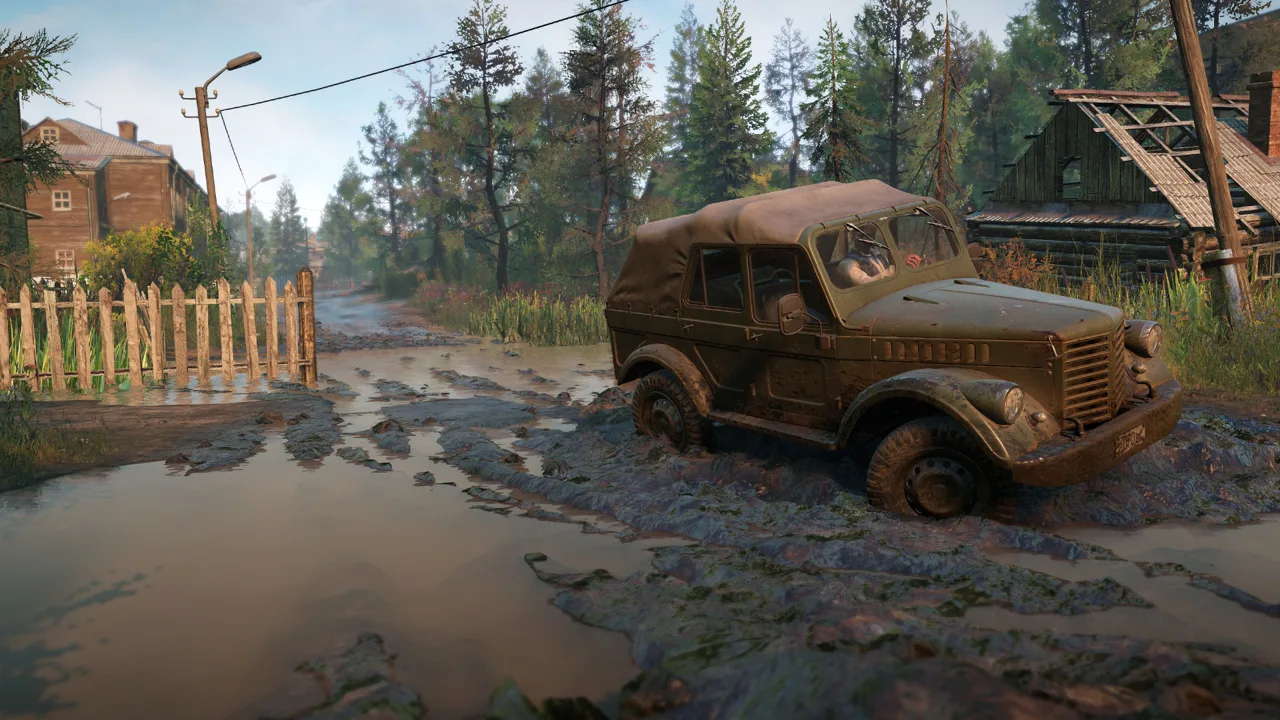
Cargo deliveries keep SnowRunner's construction projects moving, but a tipped trailer can turn a short delivery into a lengthy recovery. Planning your load and equipment before leaving the garage helps prevent unnecessary return trips. This SnowRunner cargo guide covers loading, packing, cranes, overloading and trailers, so you can put those plans into practice.
How Cargo Loading Works
Hover over a warehouse on the map to see what it stocks. Once you track a task or contract, pickup points show an up arrow and drop-off points show a down arrow. That makes it easy to plan a route before you leave the garage.
In Hard mode, automatic loading costs money. Install a loading crane to avoid those fees through manual loading. The LC 3.8 loading crane purchase shown for the GMC MH9500 costs 5,700.
Packed vs. Unpacked Cargo
Cargo can be packed, which secures it in its cargo position, or unpacked, which leaves it loose on the bed. Keep these points in mind:
- Unpacked cargo can fall off when the truck leans. A sideboard bed has walls that help retain loose cargo. A flatbed is slightly lighter but has no walls.
- Unpack cargo before moving it with a crane.
- After placing cargo on the bed, use Pack Cargo to settle it into its cargo position.
Official page: SnowRunner (focus-entmt.com)
Using the Crane Without Dropping Everything
Crane controls remain the same across crane sizes, while lifting strength and reach change.
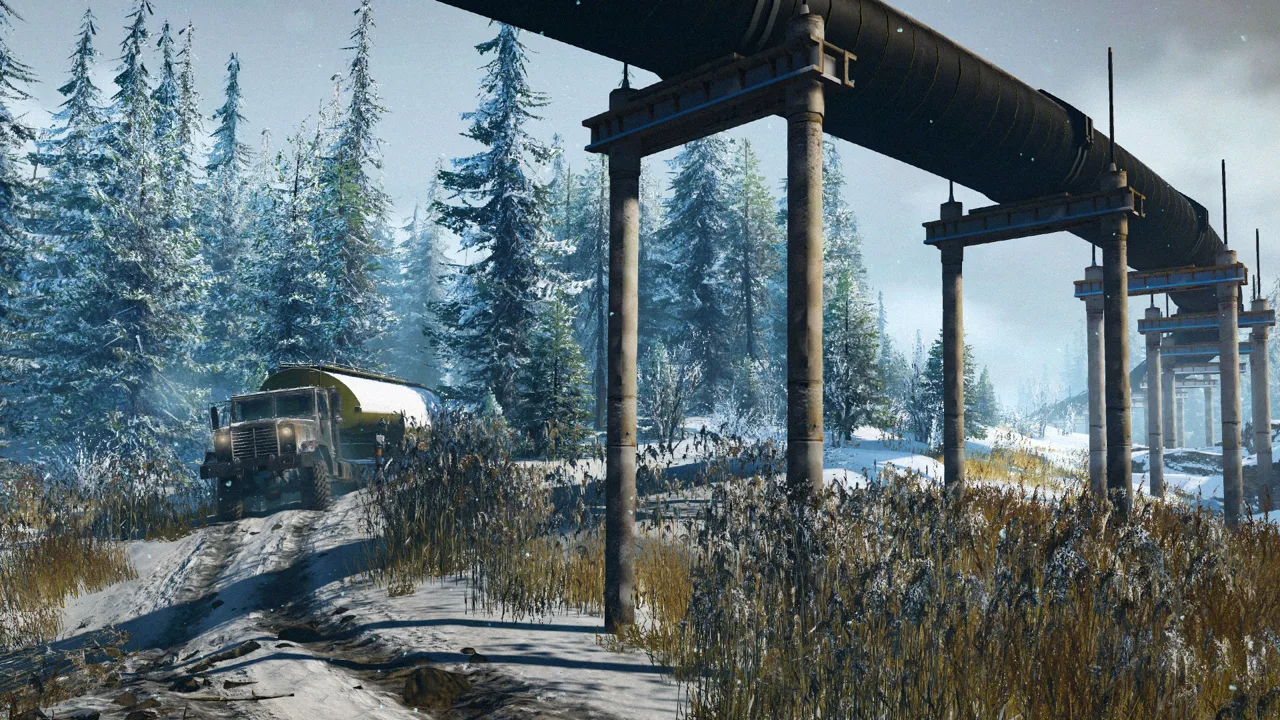 Image: Steam / Saber Interactive
- Enter crane mode from your vehicle functions.
- Unpack the cargo first. Packed cargo has no crane attachment point.
- Deploy the anchor legs before lifting heavy loads to help stabilize the truck.
- Attach, swing the load over your bed or trailer, and release. You don't need to line it up perfectly.
- Pack the cargo to settle it into position.
- Exit crane mode and select Restore Crane before you drive off.
Remove the crane when a job doesn't need it to reduce the truck's load.
Move closer to the load before lifting rather than stretching the boom farther than necessary.
Overloading and Squeezing in Extra Slots
Overloading means stacking more cargo on one truck than its cargo slots hold. It can reduce the number of delivery trips, though keeping the extra cargo aboard becomes part of the challenge. It also avoids buying a trailer that you would otherwise need to return to a store to sell.
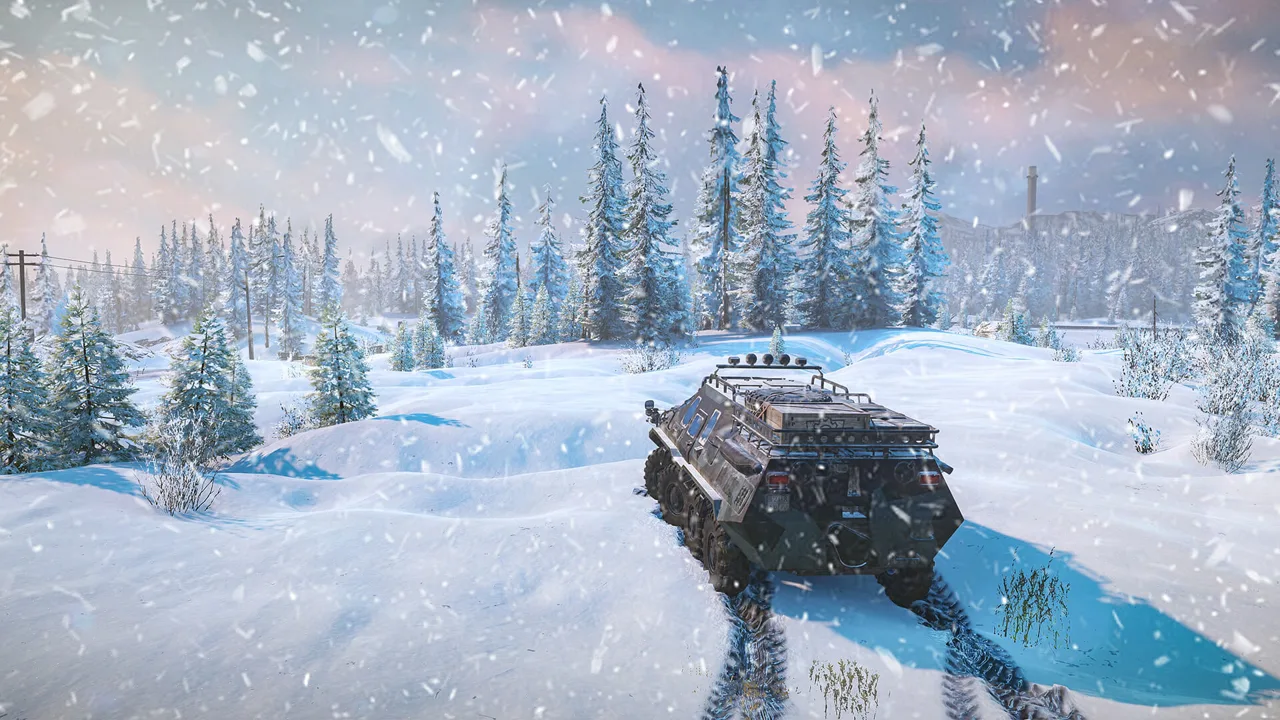 Image: www.focus-entmt.com
Tips for overloading:
- Keep extra cargo low and centered, and use low gear for control on uneven ground.
- For an extra unit, leave cargo attached to the crane. Lower the boom and rest the cargo on the roof or the trailer behind you. You lose access to the winch while the crane holds cargo.
- Try the 10x10 Azov 73210 for overloading; it combines a large chassis with substantial hauling capability.
Trailers, Road Trains and Tipping Tricks
Almost every garage has a trailer store nearby, and some maps have additional standalone stores. In Normal mode, you can sell a trailer back for its full purchase price. In Hard mode, trucks and upgrades sell for half their value.
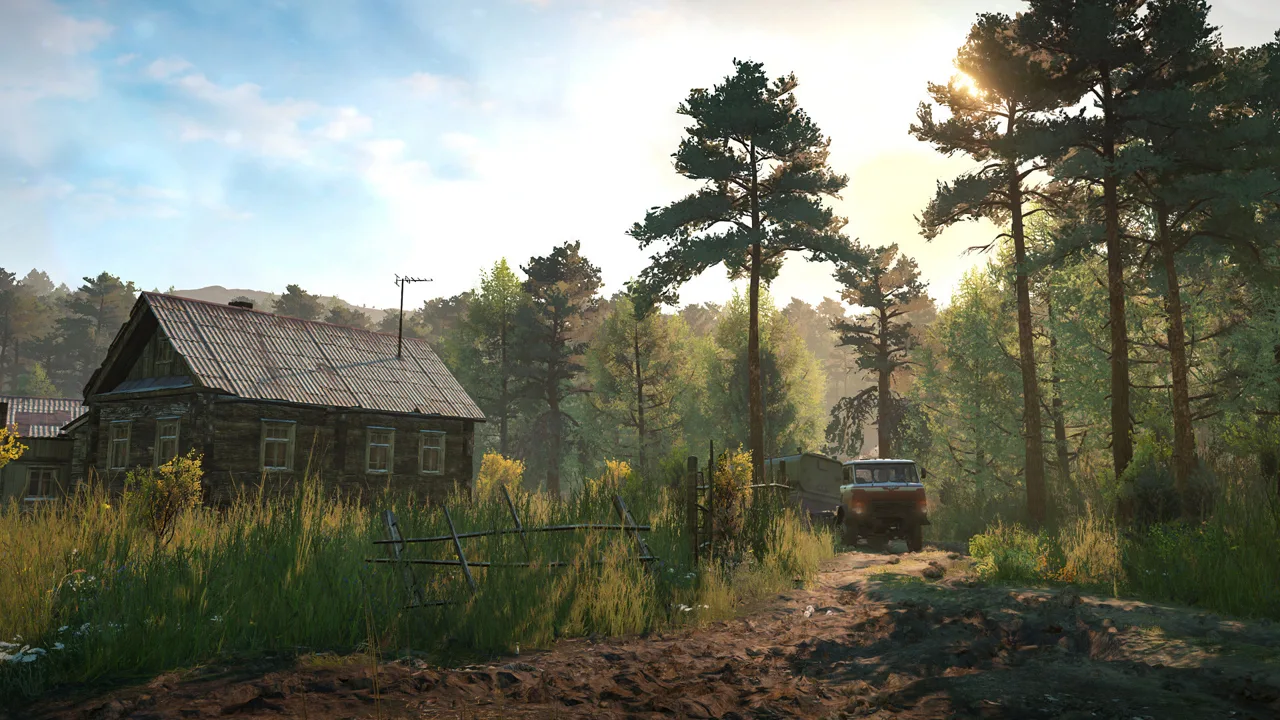 Image: Steam / Saber Interactive
Use those differences when planning your equipment:
- Buy-and-sell resupply: In Normal mode, buy a maintenance trailer, refuel and repair from it, then sell it back.
- Leave fuel trailers at key spots: Position fuel trailers along long or remote routes for thirsty heavy trucks.
- Mission trailers: Check the task requirements before using a trailer you discover. Some belong to specific objectives.
Road Trains
You can build a road train. Hitch a trailer to one truck, hitch another trailer to a second truck, then winch the second truck to the first. You can move several loads, including logs, in one trip.
The convoy is slow, though. Skip it on routes with tight corners and steep climbs. After moving between maps, reconnect the second truck if the winch line has detached.
Tipping a Trailer on Purpose
If you need an empty trailer but have no crane to unload it, tipping it can release the cargo. Set the trailer back on its wheels afterward. Leave room for the loose cargo and the recovery maneuver before trying this.
Logs, Pipes and Special Cargo
Logging requires different equipment from ordinary bed cargo:
- Bring a log crane to reposition loose logs. Scouts have no access to a log crane. If a scout's log load comes loose and cannot be repacked, return to the log station for a fresh bundle.
- Season 19's Patch 44.0 added burnt-log transport to the Mercedes-Benz 3850. Patch 42 had already fixed burnt logs not loading onto the Voron G-5352 and the Padera STD-4.
Check the equipment requirement for each special delivery before setting out. Large mission trailers can require a high saddle, while other jobs involve placing cargo with a crane.
Switzerland also has multiple warehouses for spare parts, vehicle parts, solar panels, beams, rolls, consumables and short logs. Some have limited supplies, and some require unlocking. Check nearby alternatives before committing to a long pickup route.
Trucks That Carry the Most
Match the cargo setup to the route before choosing a truck. Check crane, bed and trailer compatibility together, especially when using older loadout advice.
| Truck | Cargo setup | Watch out for |
|---|---|---|
| FEMM 37-AT | 4-slot flatbed plus trailer, up to 8 slots | Fuel consumption can approach 50 L/min under heavy strain |
| Mercedes-Benz Zetros | Patch 42 allows the SLEI-64 loading crane with several cargo and saddle configurations | Check the installed frame and addon combination |
| Mercedes-Benz Actros 3332 | Patch 42 added an extended frame supporting beds and cranes, plus a high saddle | Check current garage compatibility |
| Step 39331 "Pike" | Crane plus 5-slot semi-trailer | No flatbed addon or chain tires |
The Zetros and Actros configurations changed after their launch. Patch 42 expanded their equipment options, and Patch 43 corrected additional crane and saddle dependencies. Use the current garage compatibility options when assembling either truck.
Cargo Achievements
Several of SnowRunner's 37 Steam achievements involve hauling or lifting cargo.
| Achievement | How to unlock | Tip |
|---|---|---|
| Goliath | Raise a special objective semi-trailer at least 5 meters above the ground with a telescopic crane | Deploy the crane's anchor legs before lifting to help stabilize the truck |
Recent Patch Fixes That Affect Cargo
Hotfix 44.2, released November 3, 2026, fixed cargo delivery tasks and contracts that could not be completed on mods. Its Nintendo Switch 2 release was scheduled for later.
Earlier patches also fixed cargo bugs:
- Patch 44.0 (Season 19): Fixed cargo clipping into the Mercedes Mamute's Sideboard Bed after unpacking.
- Patch 43.0: Fixed Vehicle Spare Parts jumping off the platform at the Junkyard Storage manual loading zones on the Heartlands map.
- Patch 40.1: Fixed cargo getting stuck at Zurdania's Railway Station Warehouse and Food Platform. It also fixed objects disappearing when spawning Freezer cargo at the Food Processing Plant.
Leave useful trucks in the field after a contract. A truck parked near a warehouse or airport can handle a later pickup or rescue a flipped truck nearby.
Continue exploring
SnowRunner Truck List: Every Base Game Truck Ranked
Our SnowRunner truck list ranks all 41 base game trucks from worst to best, with fuel tanks, drivetrain quirks, and the key upgrades each one needs most.

SnowRunner How to Use Crane: Controls, Tips & Best Cranes
Master how to use a crane in SnowRunner: controls for PC, PlayStation and Xbox, anchors, hooking cargo, log grabs and which crane to fit for heavy lifts.
Join the community
Official channels for news, updates and player help: