SnowRunner Guide: Beginner Tips, Trucks and Map Order
Our SnowRunner guide covers the best first trucks, tires, gears, winching and map order so you can get through Michigan's mud without constant recoveries.
Jump to
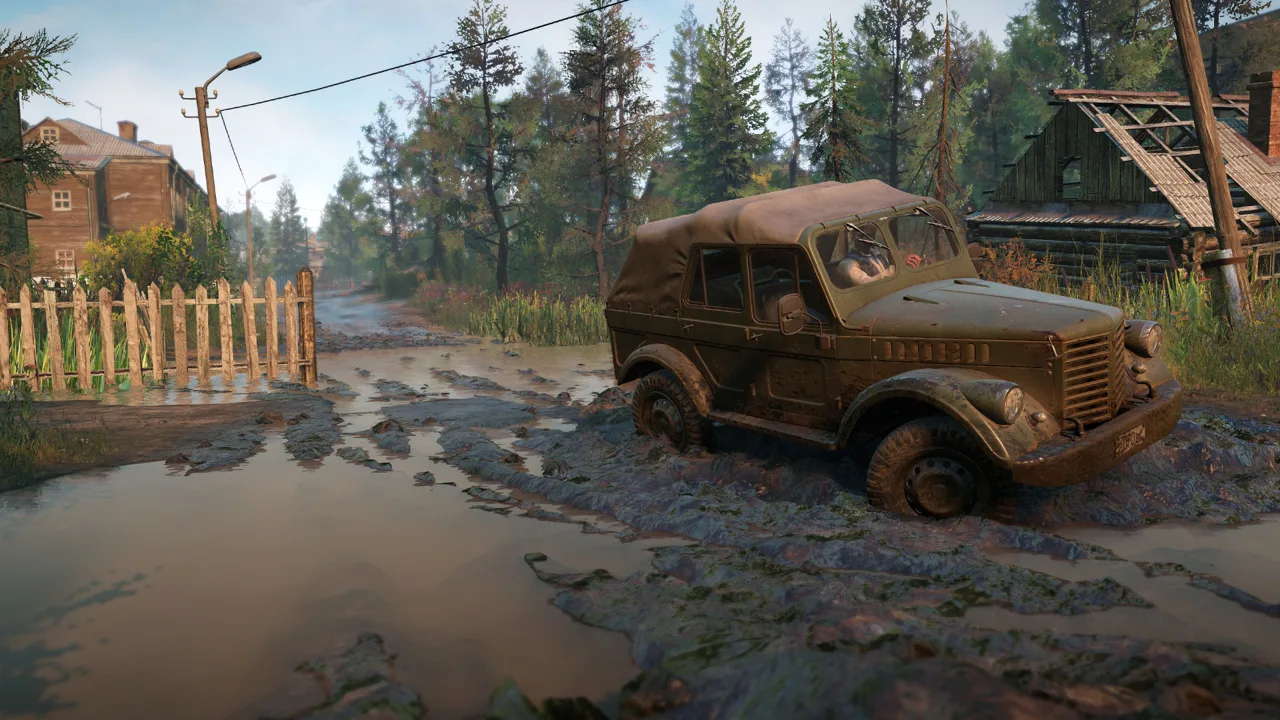
Your first bridge repair in SnowRunner requires metal beams, followed by two wooden planks. Even that delivery can turn into a rescue operation. This SnowRunner guide covers the things that make the opening hours bearable: which free trucks to grab, how to read mud, how tires and gearboxes really behave, and how the economy works in normal and hard mode.
How SnowRunner Works and Which Map to Play First
You haul cargo across brutal terrain to rebuild local infrastructure. Completing tasks and contracts earns money and XP. Ranking up unlocks better tires, add-ons and trucks, and the top rank is 30. Reaching rank 30 is achievable before entering Taimyr.
Some structure worth knowing:
- Maps within a region connect through gateways.
- Tasks belong to a single map. Contracts span the whole region and often have you moving cargo from one map to another.
- Finding every upgrade and vehicle, and completing every task, contract and contest in a region gets you 100% on it.
Start with Michigan, then move to Alaska and Taimyr. Use Michigan to practice winching, hauling trailers and operating cranes before tackling the snowy regions. Alaska adds snow and icy roads. Taimyr pushes into much harsher off-road conditions.
Leave a nasty region like Amur for later if you need more preparation, and grab trucks and upgrades elsewhere first. Build up your fleet and driving experience before tackling Quebec's deep snow and breakable ice. Prioritize repairing its bridges to make later deliveries easier.
Your First Hours in Black River
The starting Chevrolet CK1500 is a scout. Use it to explore, not to haul.
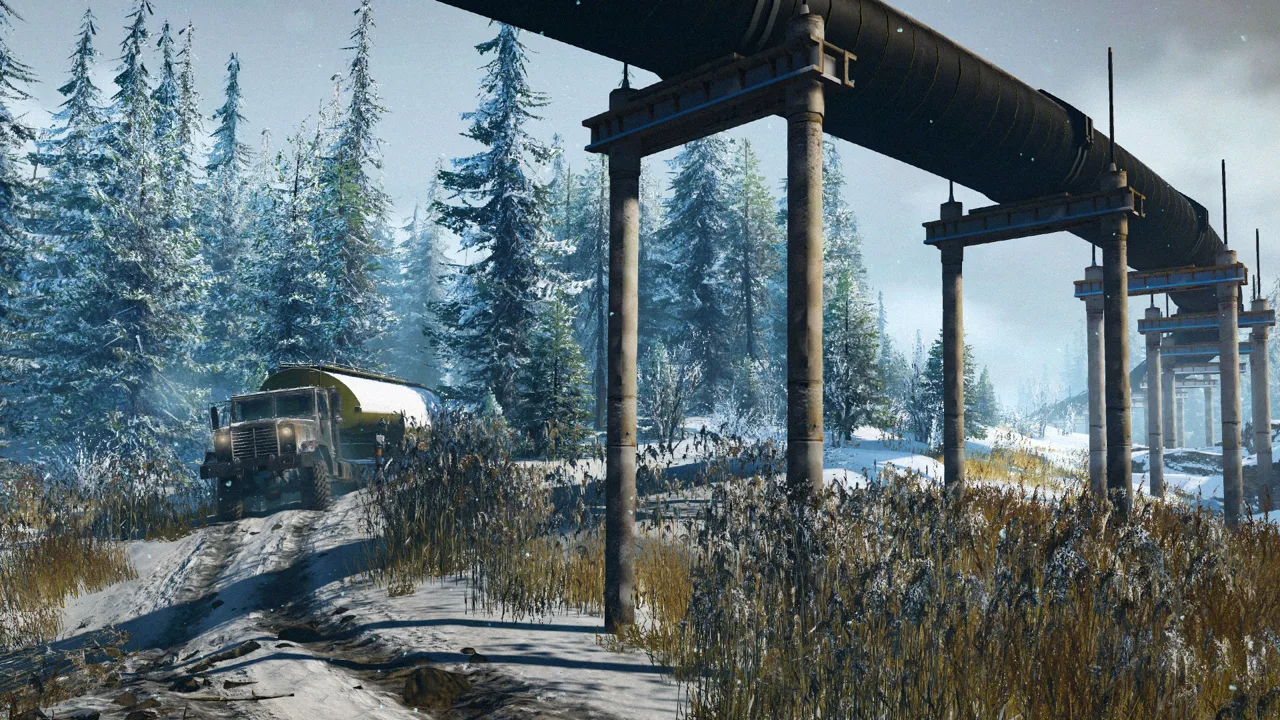 Image: Steam / Saber Interactive
- Hit every watchtower. Each one reveals a large chunk of the map, plus upgrades and points of interest.
- Accept every task you drive over. Accepting a task doesn't require completing it immediately. It adds the task to your map menu so you can track it and see what it needs, without driving back to the pickup point.
- Grab the Fleetstar F2070A outside the first Black River garage. Its all-wheel-drive upgrade sits right next to it. In normal mode, recover the truck to the garage to repair and refuel it, then fit AWD before you deploy it. It handles most of Michigan's early hauling well.
- Prioritize roads and bridges. Clearing rockslides and repairing bridges opens up routes for later deliveries.
- Unlock the Smithville Dam garage early.
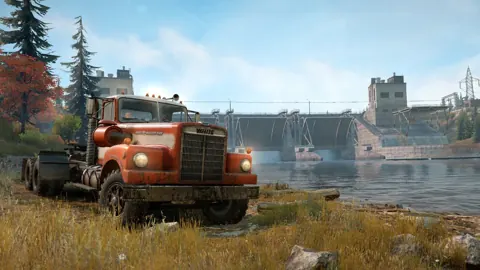
Collect the White Western Star 4964's AWD and raised suspension upgrades while exploring Smithville Dam.
Keep the GMC MH9500 as well. It's capable once outfitted, but its AWD upgrade sits on the Kola Peninsula, which is a paid DLC.
If Michigan feels impossible, there's an optional detour into Taimyr. Equip the Fleetstar with a Van Body Addon for repair supplies, retain it, and deploy it in Drowned Lands. Repair the broken Tayga 6436 there and transfer fuel into it to complete its recovery task. The Tayga becomes yours for free. Use it in Michigan if you'd rather reduce the early difficulty. The Scout 800 you find in Black River is a candidate to sell if you need cash.
Driving, Mud and Winching
SnowRunner punishes speed. The obvious short route can lead straight into deep mud.
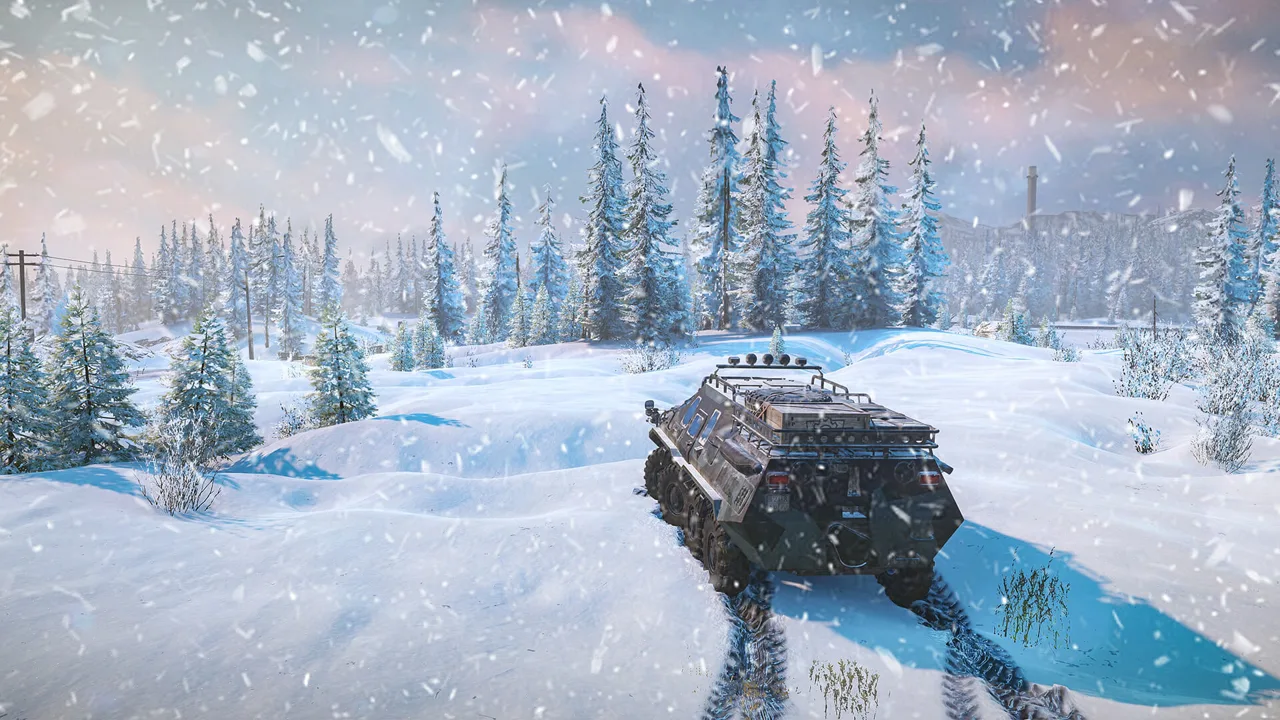 Image: www.focus-entmt.com
- Watch your wheels. If they throw up mud or water while you barely move, reduce wheelspin. Shift to low gear or feather the throttle. Choose the low gear that kicks up the least material while maintaining progress.
- Ride the edges. Try keeping one side of the truck on firmer grass beside a rutted track. Scout unfamiliar shoulders before committing a loaded truck. Watch out for roots and stumps, which can high-center your vehicle.
- Wiggle the wheel. Try alternating steering left and right when progress stalls in mud. If you're struggling to move from a standstill, straighten the wheels and try again.
- Reset ruts. Repeated trips can deepen muddy tracks. Traveling through a gateway and returning can restore the terrain.
- Use low gear going downhill, especially on ice. Keep your speed controlled to reduce the risk of jackknifing or rolling.
- Use high gear on long, firm stretches. It maintains a fixed gear without automatic shifts. Get moving before selecting it, and return to a lower gear if the engine begins to stall.
- Help the automatic gearbox shift. Tap the clutch control in auto to prompt a gear change when it holds an unsuitable gear.
- Mind the diff lock. An engageable diff lock works in low gears or dedicated reverse. Disengage it on hard surfaces to avoid gearbox damage. Automatic reverse disengages it; selecting reverse gear preserves it.
Winching tips
- Choose large trees or posts as anchors. Small trees can pull out.
- Select attachment points manually when you need a precise pull.
- Attach a winch to a tree before crossing a dangerous side slope to help limit a rollover.
- When towing another truck, start its engine through the winch controls if it still runs. Its driven wheels help with the recovery.
Damage to watch for
- Tires: usually 50 HP each.
- Fuel tank: leaks fuel once its HP hits zero.
- Engine: burns more fuel and stalls when badly damaged, and won't start at zero.
- Gearbox: drops into neutral at random when badly damaged.
- Suspension: loses ground clearance when broken.
Tires, Gearboxes and Truck Stats
Prioritize suitable tires before spending everything on engine power. The in-game "Good/Average" ratings hide differences between tires within the same category. These friction values show how two all-terrain options compare; higher values mean more grip on that surface.
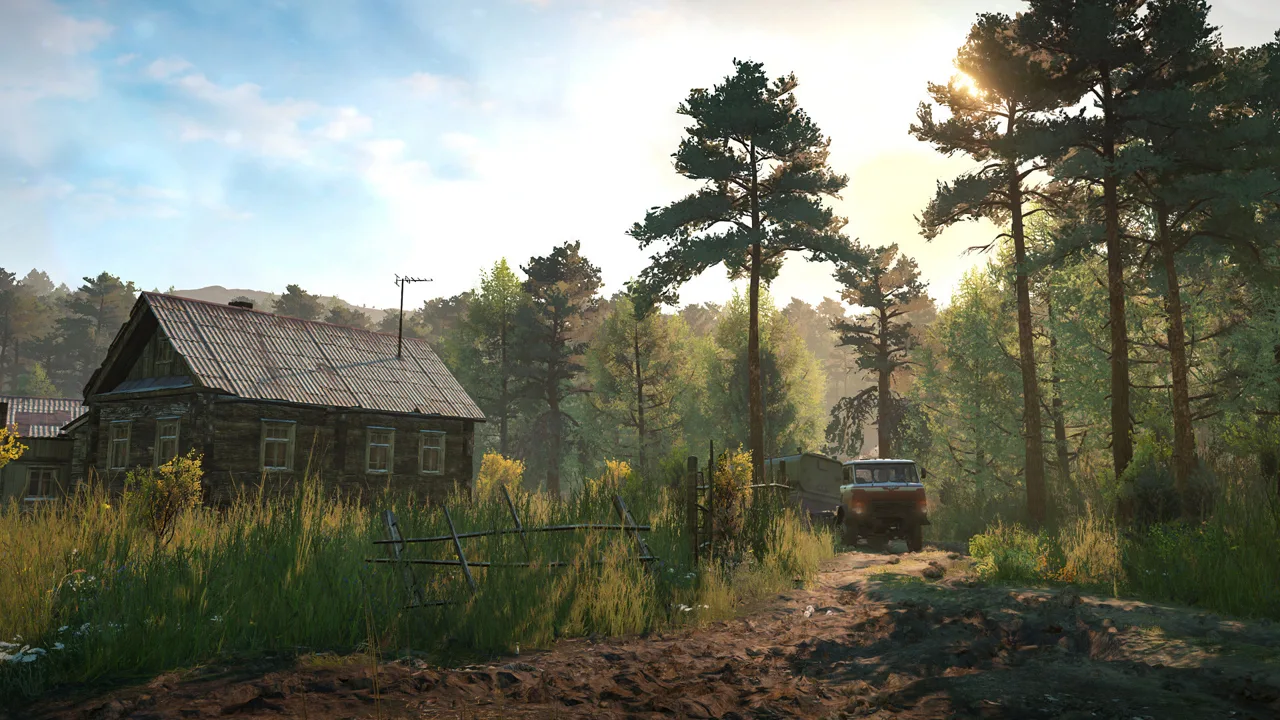 Image: Steam / Saber Interactive
| Tire | Asphalt | Dirt | Mud |
|---|---|---|---|
| UAD I (all-terrain) | 1.9 | 1.5 | 1.0 |
| UAD II (all-terrain) | 1.5 | 1.5 | 1.2 |
Check the unlock requirement for the specific tires your truck supports.
Choose tires for the route rather than assuming every mud tire beats every off-road option.
- Chains provide their special advantage on ice and icy roads. Equip them for icy pavement; use suitable off-road or mud tires for deep snow.
- Test off-road duallies before replacing them with mud tires. They can reach firmer ground beneath soft terrain, and the tire category alone doesn't determine performance.
- Use wider tire sets to improve stability where your truck supports them.
- Keep tire names distinct. MSH heavy mud tires and MHS mud tires are different families.
Find engine upgrades when a truck struggles under load.
Engaging AWD increases fuel consumption on many truck and gearbox combinations. The Advanced Special gearbox can avoid that additional AWD penalty, but choose equipment for the particular truck rather than assuming every setup behaves identically.
Weight distribution matters too:
- Small loading cranes add substantial weight over the front axle.
- Cargo over driven wheels can improve traction.
Fit a crane when the job requires manual loading or cargo recovery. For straightforward warehouse deliveries, leave unnecessary equipment behind to reduce weight.
Money, Recovery and Hard Mode
In normal mode:
- Fuel and recovery are free.
- Sell unused trucks, trailers and upgrades to fund equipment you need.
- Found trailers that aren't mission equipment can be sold.
Sell spare parts after upgrading if you no longer need them. Return unused trailers to a trailer store for extra cash. If you're near a trailer store but far from a fuel station, buy a fuel or service trailer, refuel or repair from it, then sell it back.
A bronze finish counts toward contest completion, so don't chase gold before you have the equipment and route knowledge for it.
Hard mode changes everything:
| Mechanic | Normal mode | Hard mode |
|---|---|---|
| Fuel | Free | Paid |
| Repairs and recovery | Free at garages | Paid |
| Selling trailers | Allowed | Not allowed |
| Selling trucks | Allowed | 50% of value |
| Time skip | Available from the map | Disabled |
| DLC trucks | Granted vehicles appear in storage | Must be purchased with in-game money |
Start in normal mode while learning the terrain and equipment. If you choose hard mode, conserve both money and supplies:
- Fit a loading crane to avoid automatic loading fees.
- Use cargo already sitting on trailers where it matches your objectives.
- Preserve fuel and repair trailers as support resources.
- On the Black River Fleetstar, install found replacement components before spending repair points on the damaged originals.
Whatever the mode, compare recovery with sending a support truck. A second truck carrying fuel and repair points can keep the original vehicle near its objective. Leave that support vehicle in the area when more deliveries remain nearby.
Before recovering, detach your trailer and consider the cargo aboard the truck: recovery removes that cargo. A rescue can save a long return trip.
Cargo, Trailers and Logging
- Plan around slots. A standard two-slot flatbed or sideboard bed handles many early deliveries. Check each cargo item's size before choosing a trailer.
- Account for trailer drag. Hitch trailers add carrying capacity, but their unpowered wheels make muddy routes harder.
- Use saddle trailers deliberately. Check whether a trailer requires a low or high saddle before leaving the garage.
- Combine trips. If two tasks each need two wooden planks, carry all four on a suitable trailer and visit both destinations.
- Read mission requirements before moving found trailers. Some objectives require a specific trailer rather than an equivalent shipment.
- Use mission fuel when needed. Fuel trailers tied to delivery objectives can supply your trucks.
- Carry support equipment when needed. A compatible scout or small trailer can ride packed on a larger vehicle when all its wheels rest on the carrying surface.
Check nearby tasks before returning an empty truck to the garage. You might be close to another pickup, trailer recovery or delivery destination.
Avoid overloading while you're still learning routes. Loose cargo can save trips, but a rollover can leave you spending longer recovering the load than separate deliveries would have taken.
Save logging contracts until you've improved your trucks and opened useful roads. Log pickup areas often combine mud with stumps, so approach slowly and leave room to turn.
- Long logs require a compatible Log Carrier Front on the truck and a Log Carrier Rear trailer.
- Medium logs require a medium-log trailer or a compatible truck-mounted medium-log carrier.
- Check add-on compatibility before planning to use a truck-mounted carrier and a logging trailer together.
Choose logging equipment for the required log length. An ordinary cargo bed doesn't replace a logging carrier.
Where SnowRunner Stands in Late 2026
SnowRunner supports solo play and co-op for up to four players. Start with the base regions before buying more seasons; the early trucks and contracts provide plenty of room to learn route planning, hauling and recovery.
Recent updates include changes that matter when choosing content or troubleshooting progression:
- October 20, 2026: Season 19: Research & Restore added three maps in Switzerland, plus the Wortek 250T and DERRY "SAVIOR". The Wortek has one of the largest fuel tanks in the game.
- Patch 44.0: arrived with Season 19 and renamed PROS to saber.games.
- November 3, 2026: Hotfix 44.2 addressed delivery tasks and contracts that couldn't be completed on mod maps. It also addressed the "All Starts From a Garage" achievement failing to unlock in the base game. Nintendo Switch 2 receives this hotfix later.
Season 19 centers on restoring a space observatory, repairing a viaduct and helping the region recover from a harsh winter. Standalone vehicle packs are separate purchases; the Mercedes-Benz Trucks Dual Pack 2 isn't included in that pass.
For the base game, buy SnowRunner on Steam and begin in Black River before choosing additional regions.
FAQ
Do I need the DLC to enjoy SnowRunner?
No. Start with Michigan, Alaska and Taimyr. Make sure you enjoy the game's slow pace before buying Year Passes.
Should I drive at night?
Use the map's time skip in normal mode if darkness makes a difficult route harder to read. Avoid fitting excessive light bars for snowy maps, where bright glare can reduce visibility.
Continue with
 SnowRunner Hard Mode Guide: Start Strong Without Going BrokeSnowRunner hard mode charges for fuel, repairs, recovery and cargo loading. Learn what changes, which free trucks to grab first, and how to save your cash.
More in Guide

SnowRunner How to Use Crane: Controls, Tips & Best Cranes
Master how to use a crane in SnowRunner: controls for PC, PlayStation and Xbox, anchors, hooking cargo, log grabs and which crane to fit for heavy lifts.
SnowRunner Manual Transmission: Gears, Shifters and Mods
Master SnowRunner manual transmission: when to use High, Low and Low+, how gearbox upgrades change control, and how a shifter mod adds H-pattern gears.
SnowRunner Reddit Guide: Top Threads, Tips and Fixes
SnowRunner Reddit guide to save fixes, tire stats, starter trucks, region order, and Season 19 vehicles. Find practical help for your next muddy delivery.
Continue exploring
Join the community
Official channels for news, updates and player help: