SnowRunner Mods: Truck Picks, Maps, and Install Tips
Find SnowRunner mods for trucks, trailers, and custom maps. Learn how to enable downloads, choose useful upgrades, and fix common Mod Browser problems.
Jump to
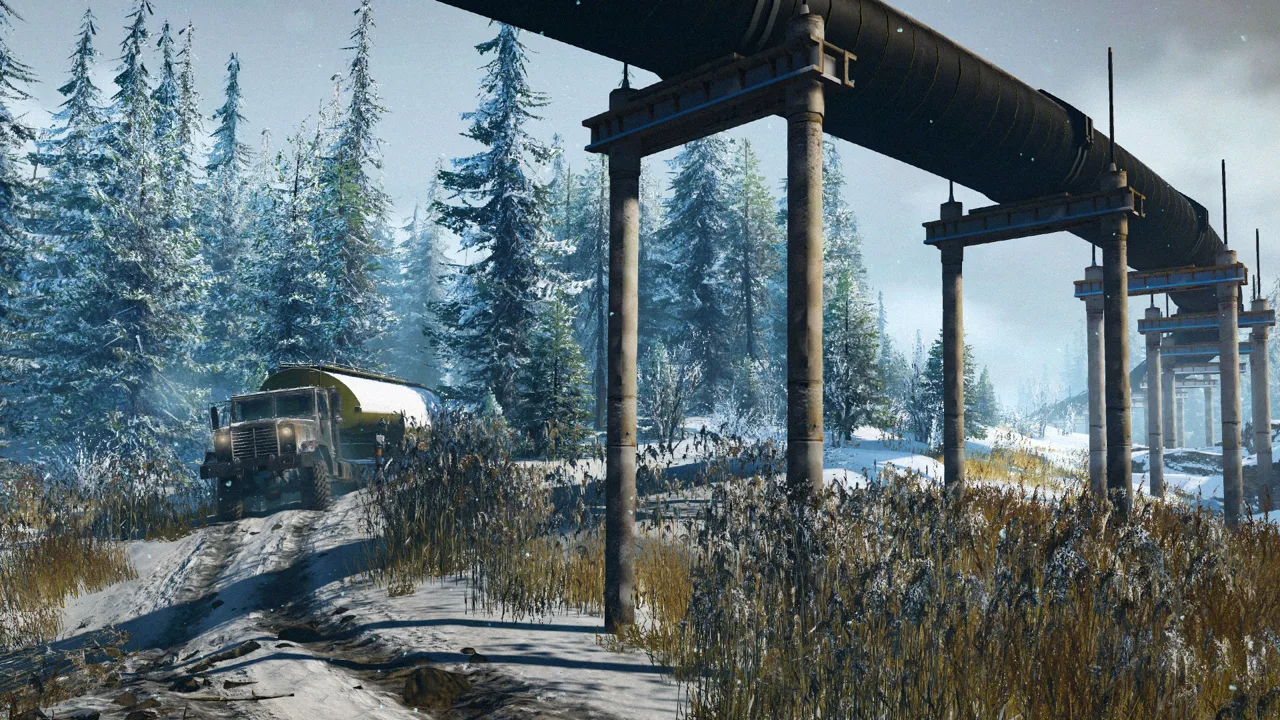
How to Install and Enable Mods
A new truck can turn a routine delivery into a recovery adventure. SnowRunner mods expand your options with custom pickups, heavy wreckers, trailers, equipment, and entire maps. Start with the in-game Mod Browser, then enable your download before looking for it in your fleet.
The Mod Browser is available from the main menu. On PC, the game also supports downloads through mod.io; Steam Workshop is not the game's mod platform.
For a truck downloaded through the browser, follow this sequence:
- Find the vehicle you want.
- Subscribe to it and let the download finish.
- Enable the mod in the browser.
- Enter your game and find the vehicle in the Truck Store.
- Purchase and customize it before leaving the garage.
Subscribing and enabling are separate steps. If your download finishes but the truck never appears, check its enabled status first.
Downloading a vehicle also doesn't automatically make it free to purchase in-game. Custom trucks have their own prices and upgrade options. Check those before selling equipment to fund a new build, especially if you're experimenting with several pickups.
Use your platform's browser to select downloads available for that version of the game. A truck name from a PC showcase alone isn't enough to choose a console download.
Official page: SnowRunner (focus-entmt.com)
Truck Mods Worth Exploring
Choose a vehicle around the work you want to do. A pickup built for trail driving, a recovery truck, and a multipurpose cargo hauler offer different reasons to leave the garage.
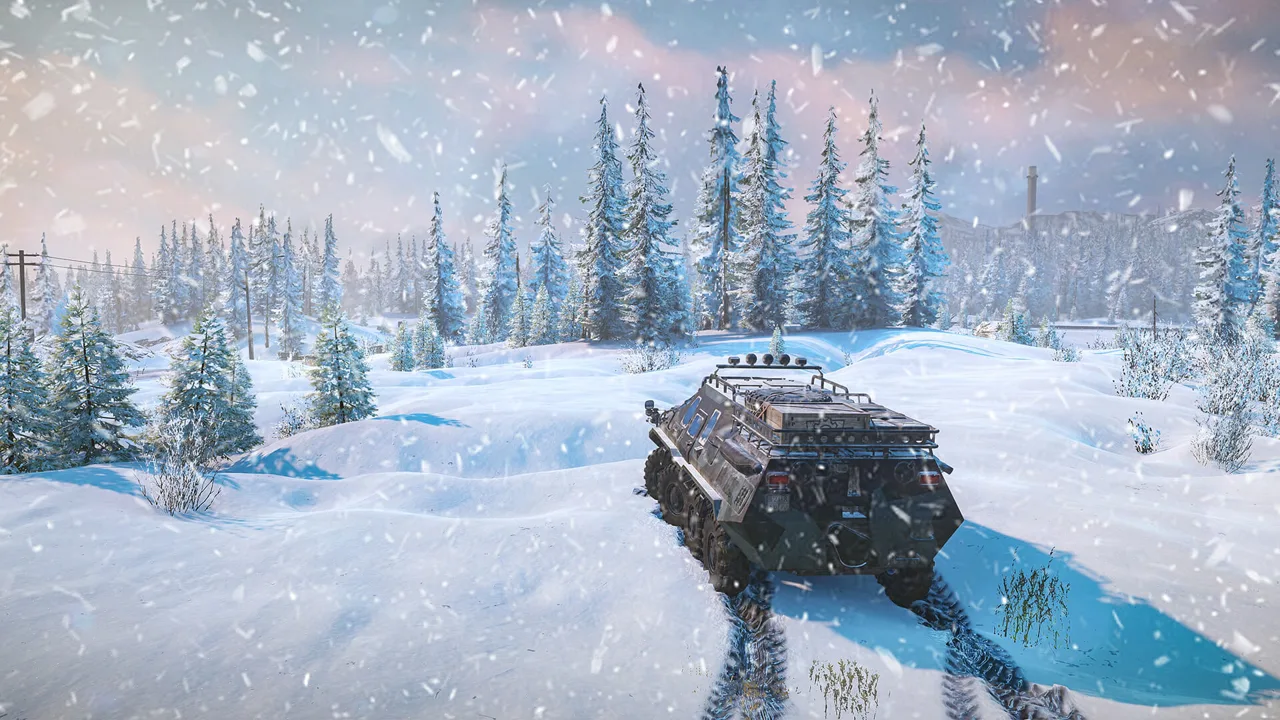 Image: www.focus-entmt.com
Pickups and Custom Builds
DnD Striker 2017 adds another pickup option with a premium appearance. It offers a different direction from the larger industrial trucks that dominate cargo work.
Yeti 5500 includes a truck alongside trailers and additional equipment. Check the included equipment when planning a towing setup rather than choosing the truck on appearance alone.
Custom Ford and Chevrolet builds also open up mudding and hauling experiments. Pay attention to suspension, tire choices, and transmission options: two pickups with similar styling can behave very differently once the road disappears.
Recovery and Utility Trucks
iX 3880 Heavy Wrecker brings a large recovery vehicle into the fleet, with the ability to handle heavy-duty work and demanding off-road conditions.
Tenno T-21 is a heavyweight multipurpose truck suited to crane operations and rescue work. Consider it when your next job involves retrieving equipment rather than simply delivering cargo.
RNG LMV Multi Purpose Vehicle offers a balanced, versatile alternative to extreme builds. OlSom's RNG-LMV 8x8 adds an eight-wheel variant while retaining that emphasis on balance.
Smaller Workhorses
MP500 Unipog, UMV 4041, and UMV 437 provide detailed utility-truck alternatives with balanced capabilities. The MP500 Unipog also offers substantial customization.
For an existing scout, Ford F-750 "Road Buster" is a tweak focused on developing the F-750 into a more capable medium scout. Choose between a vehicle tweak and an entirely new truck based on whether you want to refine a familiar machine or learn a different one.
Trailer and Add-On Packs That Expand Your Options
A new trailer or frame attachment can change the jobs your fleet handles without requiring another truck.
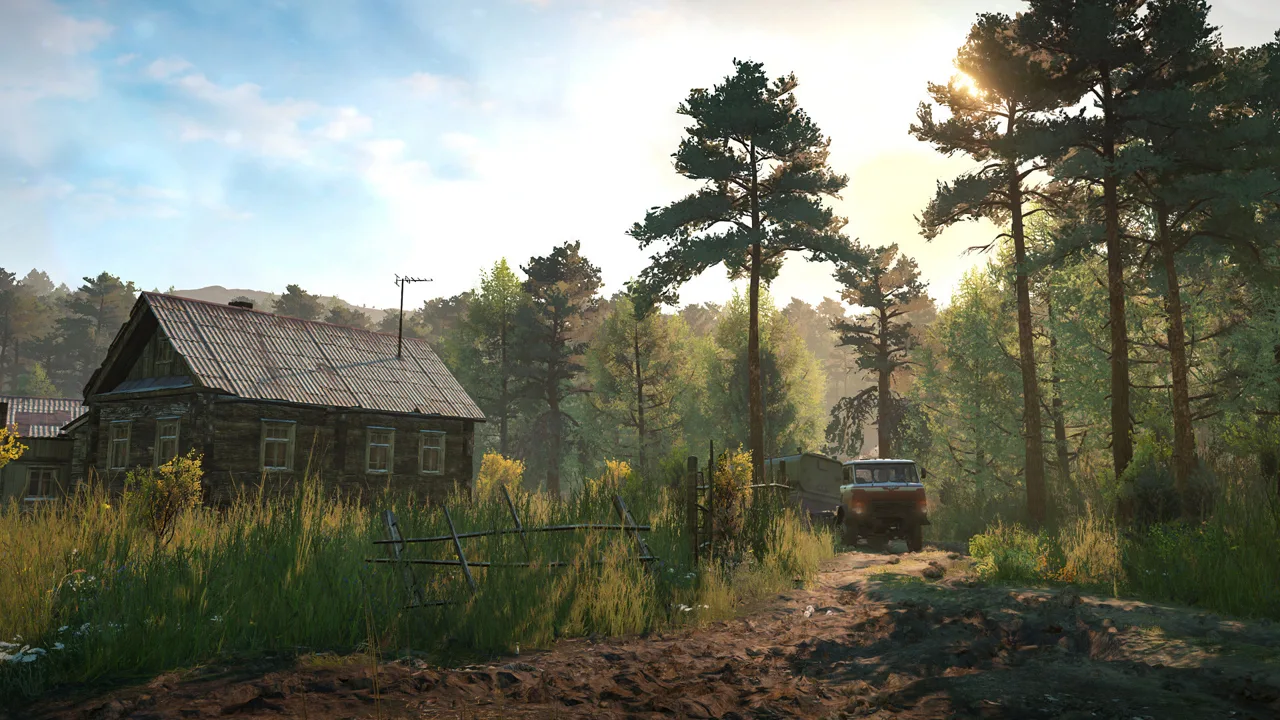 Image: Steam / Saber Interactive
Poghrims Trailer Pack includes custom trailers for scouts and full-size trucks, with tilt-deck options for vehicle transport.
Check the truck's attachment options and the trailer's requirements before buying the combination.
Other equipment-focused downloads include:
- Poghrims Universal Addon Collection: Additional frame equipment designed to fit a broad range of trucks, including modded vehicles.
- olesen's trailers: Lightweight, spacious semi-trailers, plus a small two-slot sideboard bed and a medium log trailer.
- Pog Ettinger E K 1700 Loader Crane: A compact crane option that is heavier and stronger than the standard minicranes.
- Semi-trailer Generator: A generator packaged as a semi-trailer.
- Free The Logs: Auto load logs on modded/tweaked trucks/trailers: Enables log autoloading for compatible custom logging equipment.
Check attachment combinations before committing to a build. A crane, cargo bed, and trailer connection need to work together for the job you have planned.
Set Up Modded Trucks for Mud and Hauling
An aggressive appearance doesn't guarantee traction. Large tires, powerful engines, suspension height, and trailer weight all affect the result.
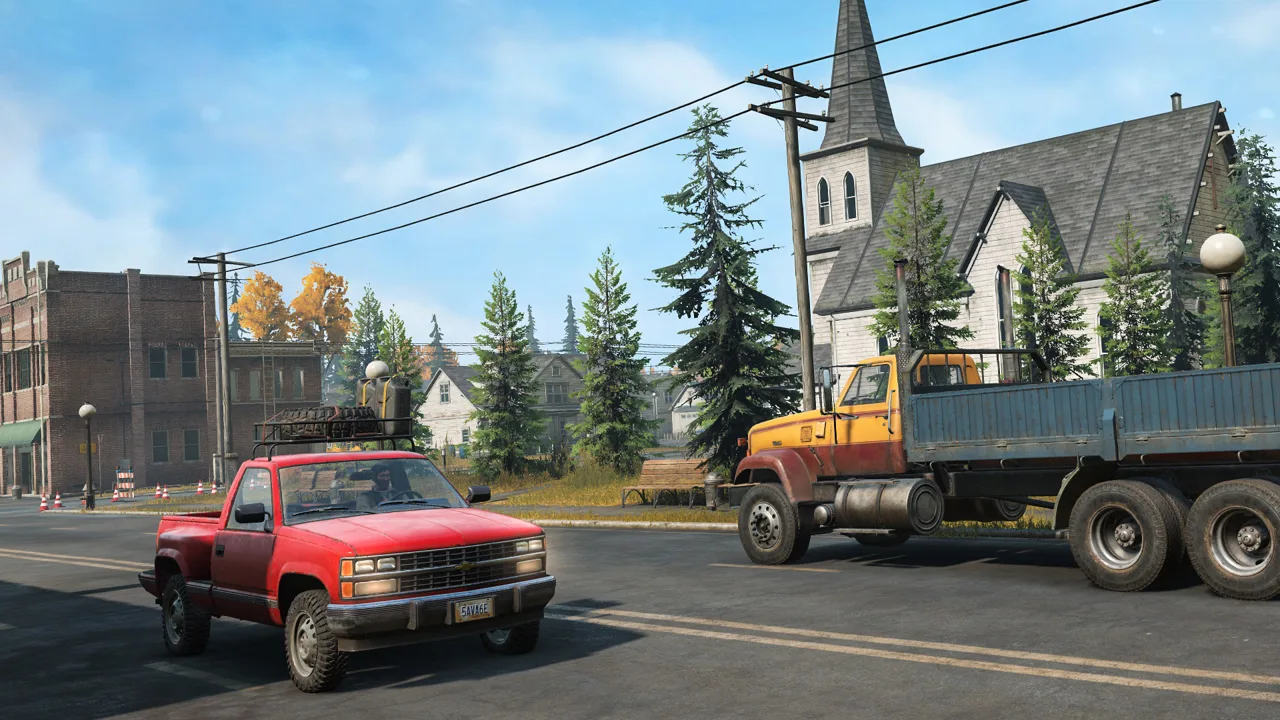 Image: Steam / Saber Interactive
Compare Tire Performance, Not Just Tread Appearance
The standard game's broad tire ratings conceal differences between individual options. For example, UAD I and UAD II share the same displayed performance categories, yet their mud friction values are 1 and 1.2, respectively.
Those standard tire values aren't a performance chart for custom wheels. Read the truck's tire descriptions and compare its available configurations rather than assuming every oversized tire provides equivalent grip.
Match Suspension to the Load
More ground clearance helps a truck avoid obstacles. Cranes add substantial weight, creating another handling consideration before you attach a trailer.
Compare suspension options with the intended equipment installed. Watch for a towing setup that squats heavily or leaves low components dragging through the terrain.
For muddy sections, use the truck's available low gears, AWD, and differential lock where appropriate. If the wheels keep spinning without progress, change your line or use the winch rather than relying on more throttle.
Keep Recovery Equipment Within Reach
A truck that drives through a mud hole alone can struggle when pulling a trailer carrying another vehicle. Test the loaded combination before taking it deep into a difficult route.
Bring a second capable truck when experimenting with heavy vehicle transport. It gives you another way to unload, reposition, or pull the towing vehicle free.
Plan fuel support, too. Roof supplies, maintenance equipment, and fuel trailers can extend an outing, but each attachment changes the vehicle you're driving. Check the complete build rather than judging the bare truck.
Custom Maps for Snow, Swamps, and Desert Driving
Vehicle downloads change your equipment; custom maps change the trip itself. Start these through New Game → Custom Scenarios, using a separate save slot.
Choose a map around the driving you want:
- Red Canyon: A detailed desert environment with tricky roads and obstacles that demand attention.
- Kodar Desert: A large desert map with numerous contracts and room to explore with faster off-road vehicles.
- Wolf Point, Manitoba: A smaller map centered on carefully arranged routes and tasks.
- Ice Road Haulin - The Region: A snowy region with activities and detailed environments.
- Petroleum: A swamp-focused map built around muddy terrain.
- Map - Merry Flight: Varied environments and driving challenges.
- Mount Krumpet: A holiday-themed map for a seasonal change of scenery.
For desert driving, compare Red Canyon's obstacle-heavy routes with Kodar Desert's larger setting. For winter hauling, explore Ice Road Haulin - The Region. Choose Petroleum when working through swamps is the main attraction.
Fix Download and Custom-Map Problems
Start troubleshooting with the symptom: a missing truck, an incomplete download, a map loading error, and a contract that won't finish require different checks.
For a missing vehicle, return to the Mod Browser and check that its download has completed and its toggle is enabled. For custom maps, use Custom Scenarios rather than searching the campaign's region map.
Several game updates address specific problems:
Patch 42 fixed an Xbox browser issue that displayed only nine subscribed mods when subscriptions exceeded ninety-four. It also addressed a browser logout hardlock and discrepancies between custom-map progress shown in save slots and the player profile.
Patch 43.0 fixed subscribed mods failing to download automatically after installing the game on Xbox. If that behavior interrupts a fresh installation, check the installed game version before rebuilding your subscription list.
Hotfix 40.1 addressed the “Fail Load level” error affecting some older custom maps. It also fixed separate saving and vehicle duplication problems associated with loading immediately after the splash screens.
The November 3, 2026 Hotfix 44.2 addressed delivery tasks and contracts that couldn't be completed on mod content. Its Nintendo Switch 2 release was scheduled for a later date.
Match the fix to your platform and installed version. Before disabling or replacing downloads, back up your saves and record the exact truck, map, and error involved so you can isolate the problem without losing track of your setup.
Continue exploring
SnowRunner Cargo Guide: Loading, Overloading & Hauling Tips
Our SnowRunner cargo guide covers crane loading, packing, overloading, trailers and road trains so you can finish contracts in fewer trips. Haul smarter.
SnowRunner Guide: Beginner Tips, Trucks and Map Order
Our SnowRunner guide covers the best first trucks, tires, gears, winching and map order so you can get through Michigan's mud without constant recoveries.
Join the community
Official channels for news, updates and player help: