SnowRunner Manual Transmission: Gears, Shifters and Mods
Master SnowRunner manual transmission: when to use High, Low and Low+, how gearbox upgrades change control, and how a shifter mod adds H-pattern gears.
Jump to
How Shifting Works in SnowRunner
If you've ever watched your truck struggle halfway up a muddy hill while waiting for a downshift, you already know why SnowRunner manual transmission control matters. Out of the box, the game doesn't give you a true clutch-and-stick gearbox. Its semi-manual setup lets you select ranges to control your pace through difficult terrain.
You can leave the truck in Auto, or select a fixed range such as High, Low or reverse. That range selector is the closest thing to manual driving in the base game. Use Low to manage wheelspin in deep mud, or High to maintain a steady pace through moderately difficult terrain.
SnowRunner is available on Steam as well as PlayStation, Xbox and Nintendo Switch 2. Mods work differently on consoles, which is covered further down.
When to Use Each Gear Range
Each range has a specific job. Use this as a quick reference:
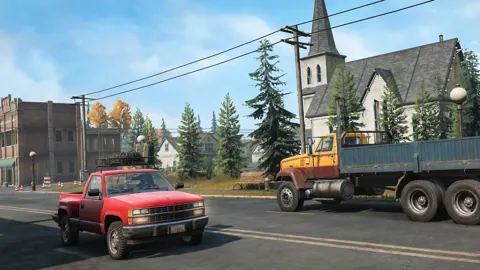
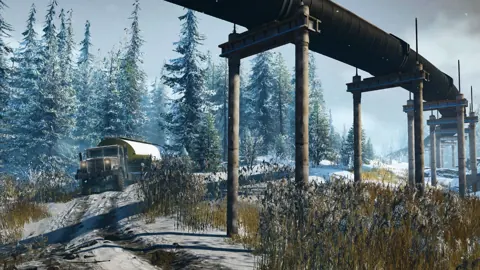
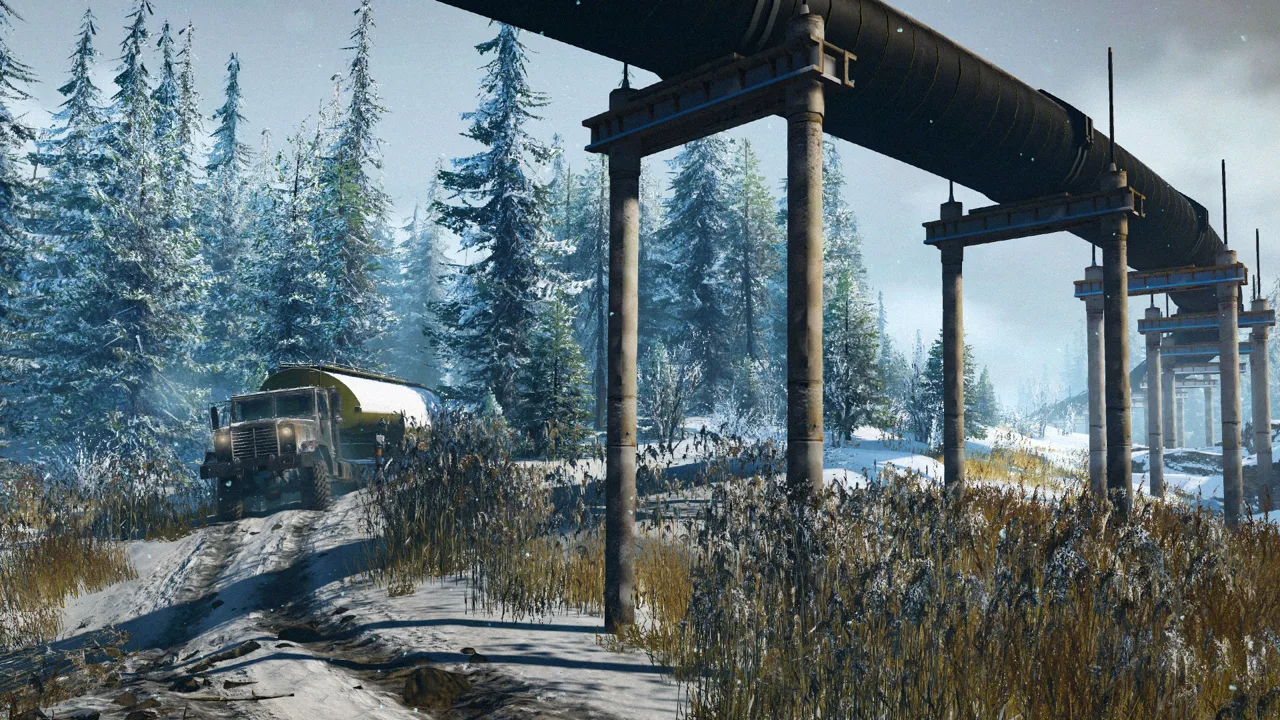 Image: Steam / Saber Interactive
| Gear range | Use it for | Watch out for |
|---|---|---|
| Auto | Letting the gearbox handle forward gear changes | Automatic shifts can interrupt progress in difficult terrain |
| High (H) | Steady speed on moderate terrain, such as shallow mud on a slope where a gear change would upset the truck's balance | Too slow in High and the engine starts to stall. Drop out of it, or only shift into it once you have momentum |
| Low | Deep mud where the wheels spin, especially on scouts with smaller tires | Reduce wheel speed further if the tires keep spinning without moving the truck |
| Low- / Low / Low+ | Choosing between three crawling speeds with a suitable gearbox, including on steep slopes and near big drops | Low- is the slowest option; Low+ is the faster Low setting |
| Reverse | Backing out when forward progress stops | Select reverse manually when using diff lock for traction |
Some practical habits:
- Zoom the camera in on your wheels when you're stuck. Look for small movements before deciding whether to change your approach.
- Don't keep forcing a combination that isn't moving you. Switch range, toggle AWD, try reversing, drop the trailer, or winch to a tree in short bursts.
- Use Low for control near dangerous drops. Keep the truck at a steady crawl rather than carrying unnecessary speed into a difficult section.
Gearbox Upgrades That Change Your Options
The gearbox you install decides which manual ranges you actually get. Off-road and Advanced Special gearboxes provide three Low speeds, giving you more options for controlling wheel rotation.
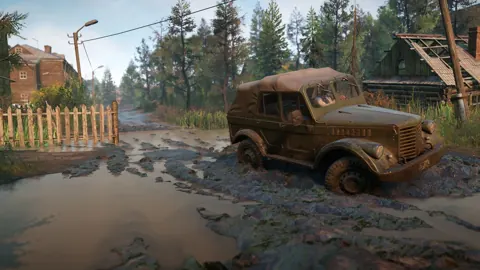
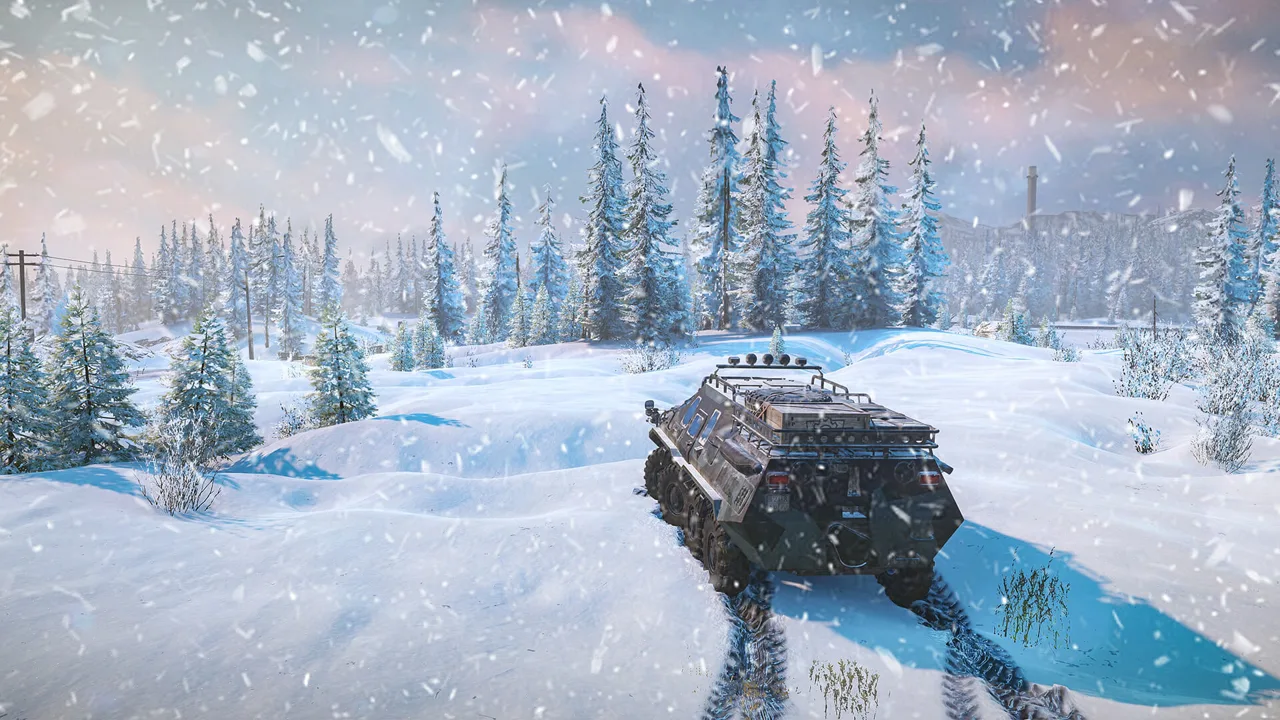 Image: www.focus-entmt.com
- Off-road and Advanced Special gearboxes give you finer control in mud and on slopes. Prioritize one when you need multiple crawling speeds.
- High-range gearboxes offer higher speed and a faster High range. Try one for repeatable timed contests where the route lets you maintain momentum.
- Truck-specific gearboxes exist too. The Voron D-53233, for example, comes with an off-road gearbox that can't be swapped out.
The gearbox, engine and raised suspension all affect how a truck handles demanding routes. A gearbox upgrade can provide more control and higher speed, while an engine upgrade adds pulling power. Raised suspension improves clearance, but the extra height can make the truck less stable.
Patch 42, released with Season 18, fixed a fuel consumption penalty on the Padera STD-4 when equipped with the Advanced Special gearbox. That correction applies specifically to that truck and transmission combination.
Diff Lock, AWD and Manual Reverse
Your manual gear choice works together with AWD and differential lock:
 Image: Steam / Saber Interactive
- Switchable diff lock works in Low gears and reverse. Get into Low before the difficult section if you need to engage it.
- Always-on systems remove the need to toggle AWD or diff lock while driving. Check the truck's equipment before planning around a switchable setting.
- AWD off saves fuel. Turn it back on when the truck starts losing progress through difficult terrain.
- Manual reverse: When backing out with a switchable differential lock, select reverse manually and keep the lock engaged for traction.
Use these controls together when a truck bogs down. Lower wheel speed with a Low range, engage AWD where available, and use diff lock when the truck supports it. If forward progress stops, try reversing before committing to a recovery.
Don't overlook the trailer's weight. Detach it when you need to reduce the load on the truck, or use the winch to help regain movement. Changing the gear range is only one part of getting through a difficult patch.
The Manual Transmission Mod for H-Pattern Shifters
Wheel owners who want gear-by-gear control can use a manual transmission mod. A Logitech shifter can select individual gears with this setup instead of serving only as a range selector.
Here's what it changes in practice:
- You pick and hold exact gears. You can stay in first, second or third instead of waiting for an automatic shift.
- You downshift on your own timing. If a mud pit stops you in a higher gear, select second or first to try to regain movement.
- A higher gear doesn't guarantee progress. Selecting sixth while bogged down can leave the truck unable to pull through.
- Match the mapping to the gearbox. A modded truck with 10 gears needs a different mapping from the six-position shifting setup.
On a muddy run with large mud tires, try first to break free, second through heavy mud, and third once you're picking up speed. Drop back to second or first when the truck starts bogging down. Adjust that sequence to the truck's actual movement rather than trying to reach a particular gear.
Hold a gear while it keeps the truck moving, then shift when the terrain demands it. The benefit is direct control over that decision; selecting a gear still leaves you responsible for traction, momentum and the route ahead.
On PC, modding is more open. On PlayStation and Xbox, mods must be approved before they appear in the in-game browser. A mod available on PC therefore isn't automatically available on those consoles.
Will SnowRunner Ever Get Full Manual Gears?
Season 20 is the next major update and fourth expansion, with a release targeted between the last days of winter and the early days of spring. It will introduce a new region and four new trucks.
For individual gear selection, the shifter mod provides that functionality. Within the base game's controls, use the selectable High and Low ranges to manage speed through mud, slopes and difficult crossings.
FAQ
Does SnowRunner have a real manual transmission?
Not in the base game. You get a semi-manual system with Auto, High, Low ranges and reverse. Individual gear selection with the demonstrated H-pattern setup uses a mod.
Which gearbox gives multiple Low speeds?
The off-road and Advanced Special gearboxes provide three Low speeds. Use those settings to adjust wheel rotation in mud and maintain a controlled crawl on steep ground.
Why does my truck stall in High?
High needs momentum. If you slow down too much, the engine can stall. Leave High when the truck starts struggling, and select it again once you're moving fast enough to sustain it.
Can I use the manual transmission mod on console?
Check your platform's approved mod catalog. PlayStation and Xbox mods must pass approval before appearing in the in-game Mod Browser; PC availability alone doesn't mean a mod is available on either console.
Continue with
 SnowRunner Reddit Guide: Top Threads, Tips and FixesSnowRunner Reddit guide to save fixes, tire stats, starter trucks, region order, and Season 19 vehicles. Find practical help for your next muddy delivery.
More in Guide
SnowRunner Guide: Beginner Tips, Trucks and Map Order
Our SnowRunner guide covers the best first trucks, tires, gears, winching and map order so you can get through Michigan's mud without constant recoveries.
SnowRunner Hard Mode Guide: Start Strong Without Going Broke
SnowRunner hard mode charges for fuel, repairs, recovery and cargo loading. Learn what changes, which free trucks to grab first, and how to save your cash.
SnowRunner How to Use Crane: Controls, Tips & Best Cranes
Master how to use a crane in SnowRunner: controls for PC, PlayStation and Xbox, anchors, hooking cargo, log grabs and which crane to fit for heavy lifts.
Continue exploring
SnowRunner Mods: Truck Picks, Maps, and Install Tips
Find SnowRunner mods for trucks, trailers, and custom maps. Learn how to enable downloads, choose useful upgrades, and fix common Mod Browser problems.
SnowRunner PS5 Guide: Editions, Co-Op, Mods and DLC
Explore SnowRunner PS5 editions, four-player co-op, crossplay, console mods, and the latest DLC. Plan your first deliveries and choose what to buy wisely.
Join the community
Official channels for news, updates and player help: